
• Shopify Section
Marquee - gallery

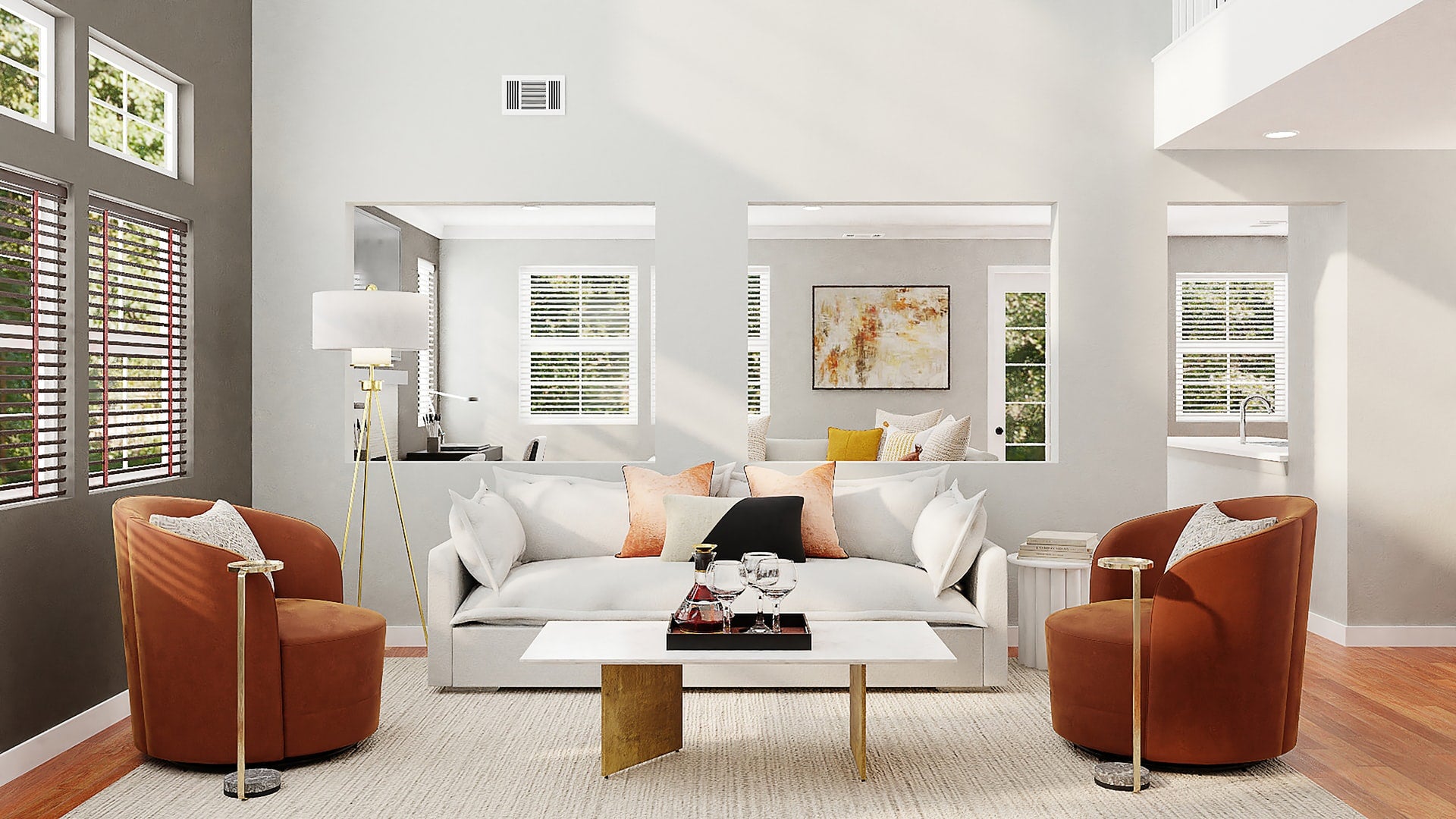
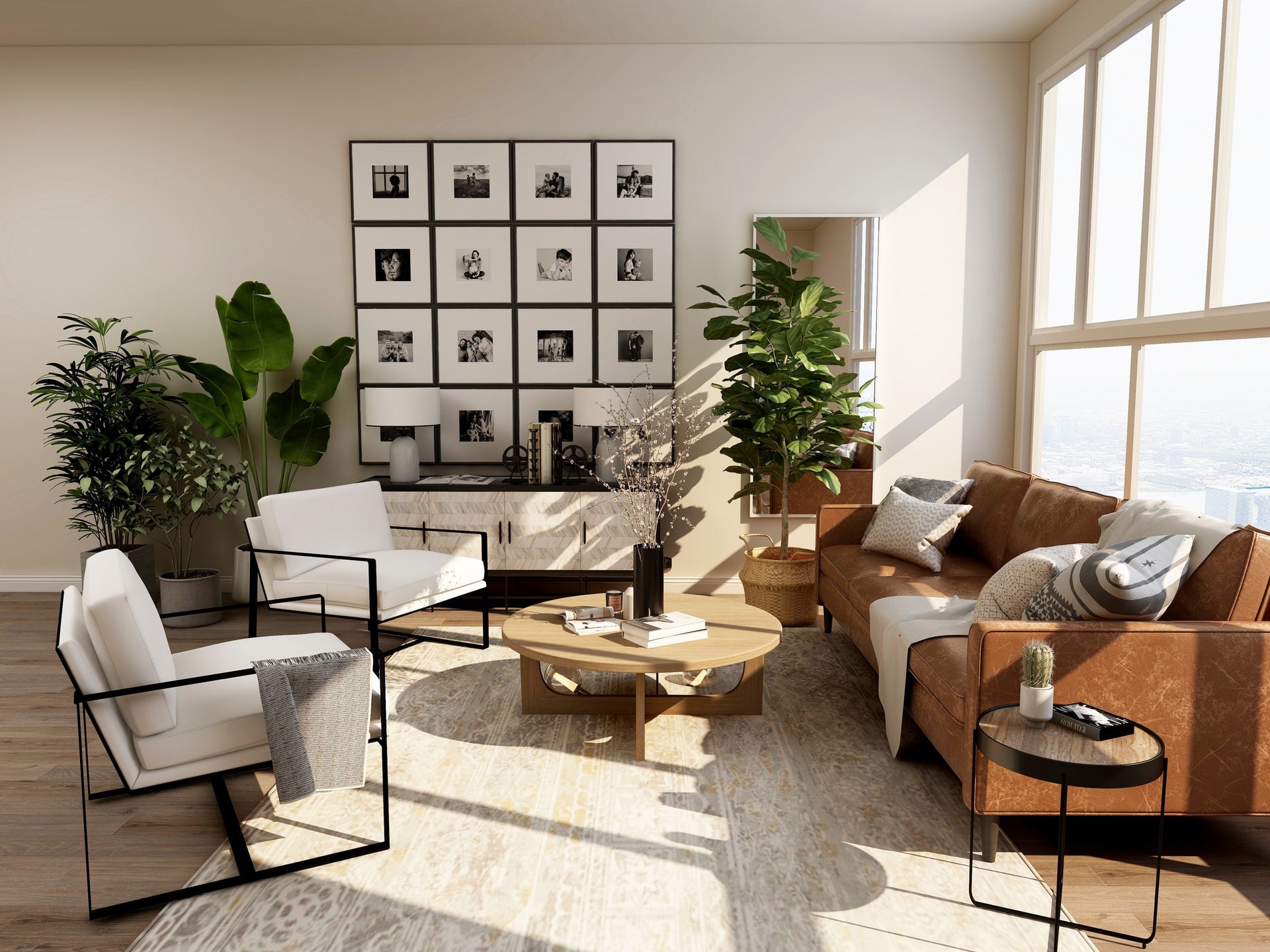
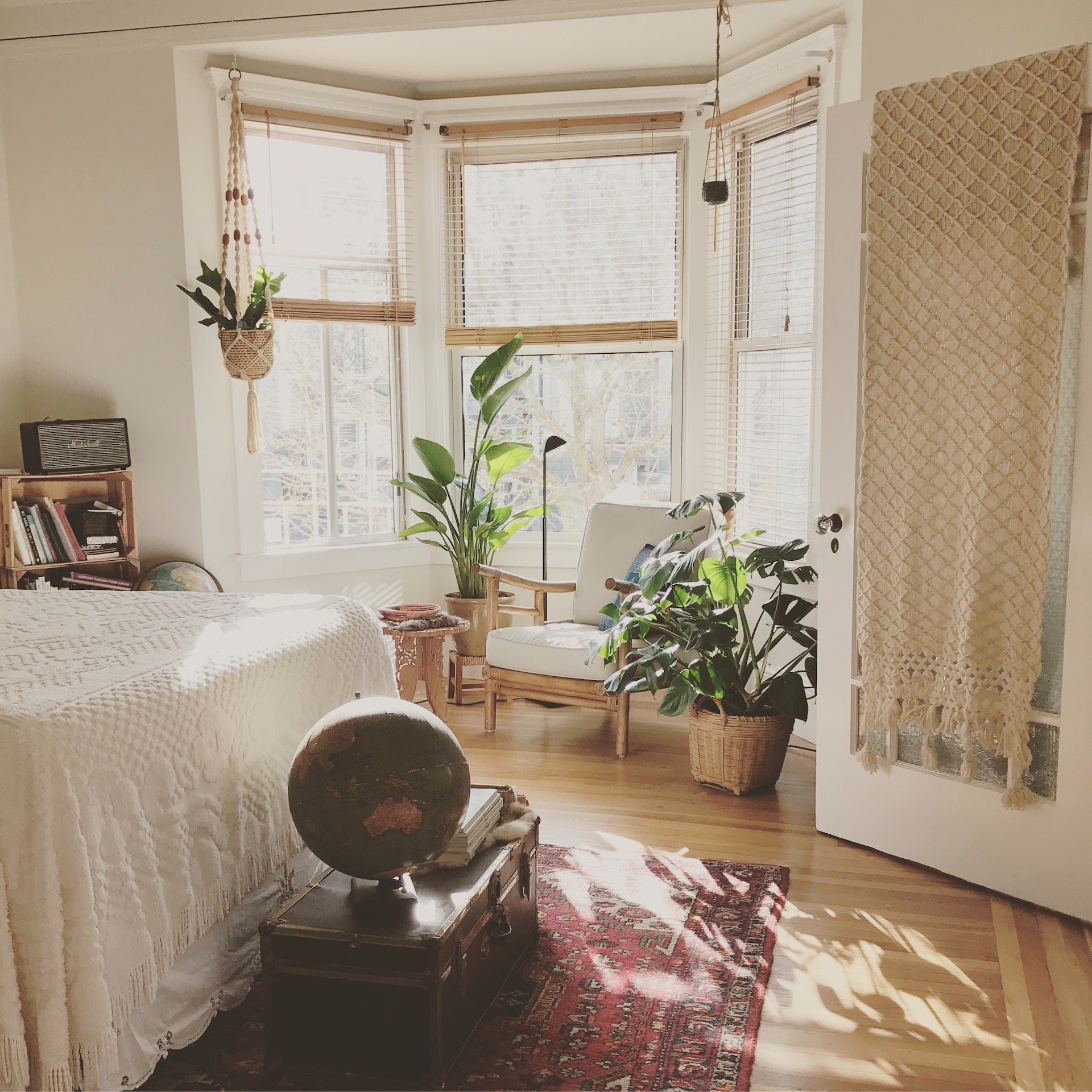
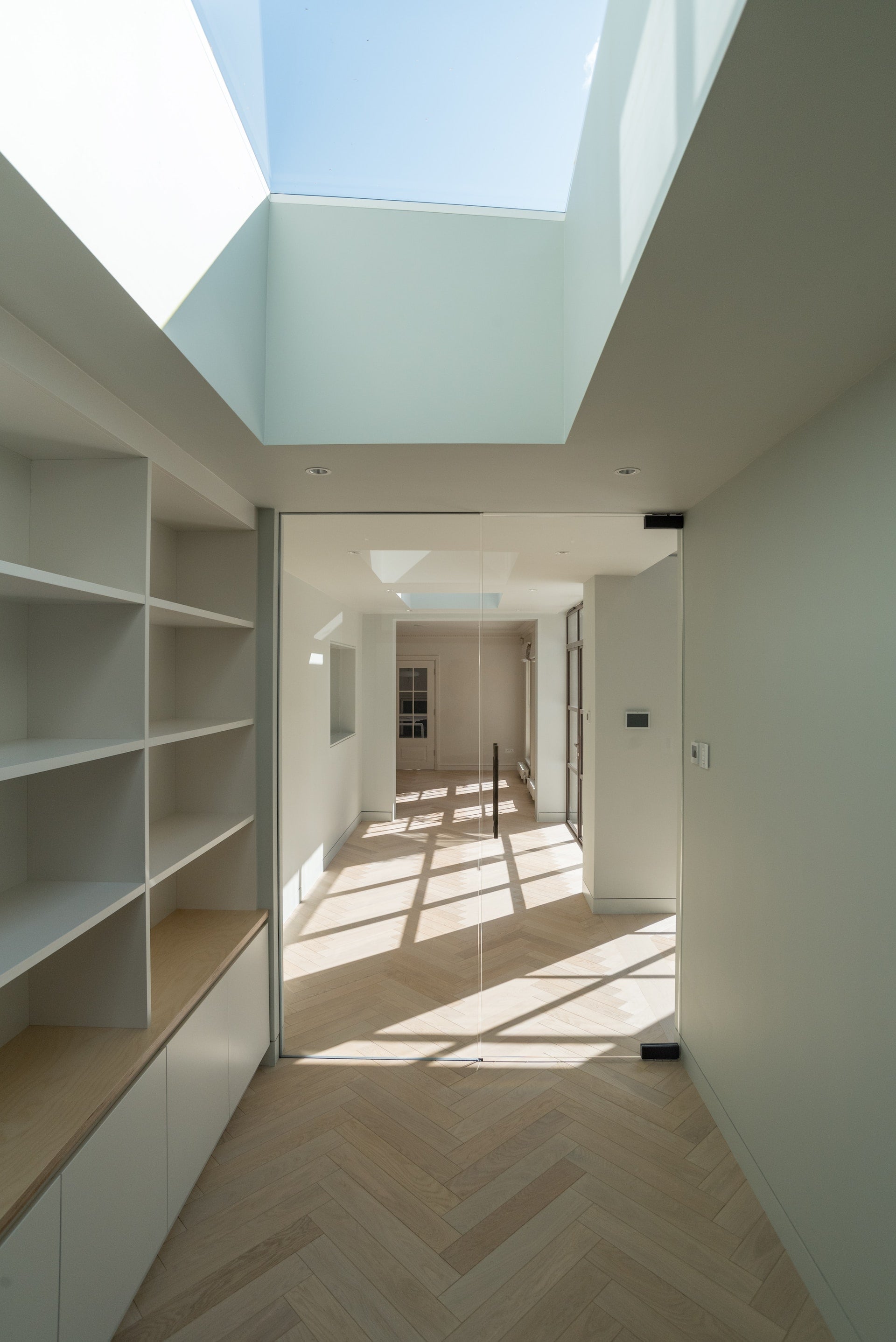
The "Marquee - gallery" section creates an engaging, continuously scrolling showcase of images that adds visual interest to your store. Think of it as a modern take on the classic image carousel, where photos flow smoothly across the screen in an infinite loop.
What makes this section special is its thoughtful interaction design. When visitors hover over an image, the scrolling automatically pauses, letting them take a closer look. Images can be linked to products or pages, making it perfect for highlighting collections or featured items. The smooth scrolling motion can be customized - you can adjust the speed, reverse the direction, and even add a subtle fade effect at the edges to create a more polished look.
The section is highly adaptable to your needs. You can choose from several preset image ratios (square, portrait, landscape, etc.) or keep original proportions. The spacing between images, border styles, and overall width are all adjustable to match your design. On mobile devices, the section automatically adjusts its layout to ensure images remain clear and impactful.
Each image can be individually configured with custom links and optional border styling. The section comes preset with five placeholder images that you can easily replace with your own product photos, lifestyle shots, or brand imagery. Whether you're showcasing a product collection, sharing customer photos, or displaying brand imagery, this section creates an eye-catching display that keeps your content in constant, elegant motion.
Gallery heading

Gallery heading
Gallery heading
Gallery heading
Gallery heading
Gallery heading
Gallery heading
Gallery heading
Gallery heading
Gallery heading
• Style variations
Same section. Completely different stores.
Every example below uses the same Marquee - gallery section just configured differently in the Shopify editor.
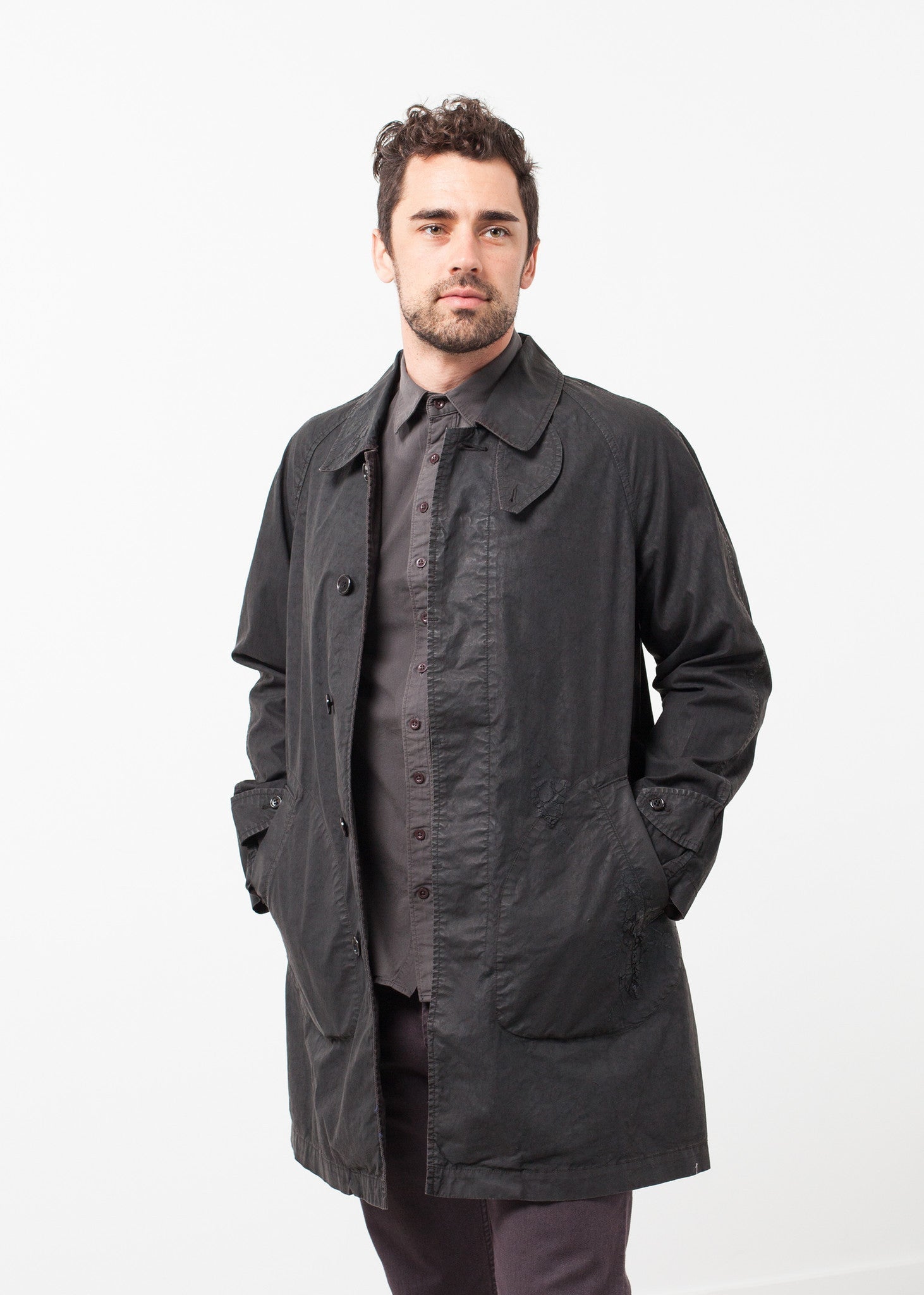
Gallery heading
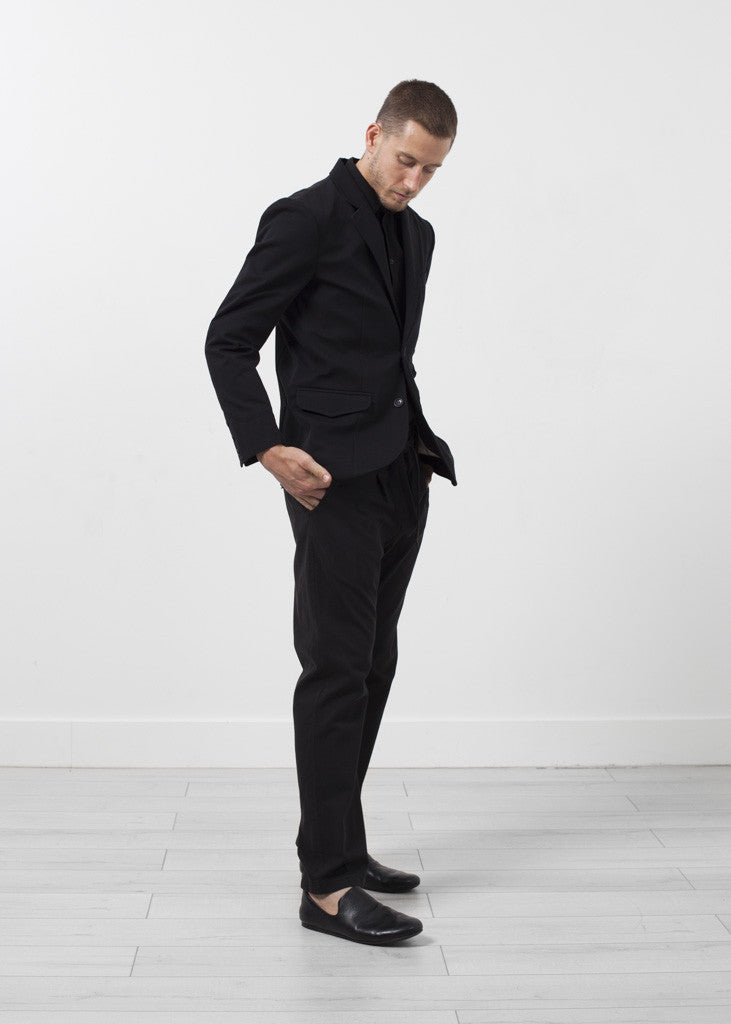
Gallery heading
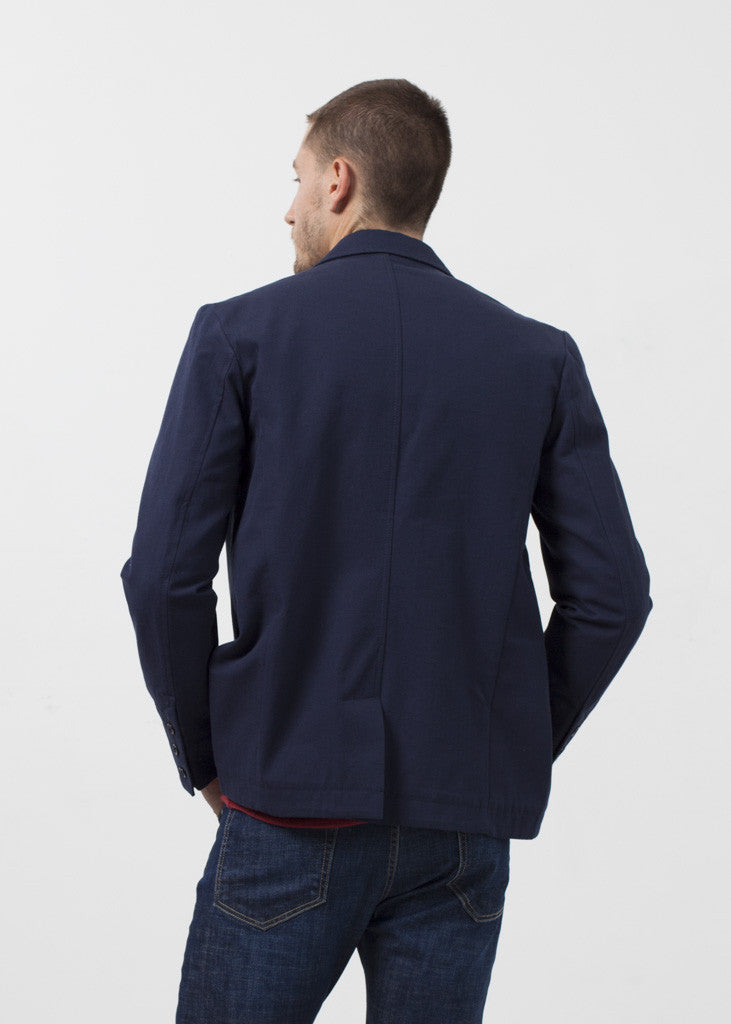
Gallery heading
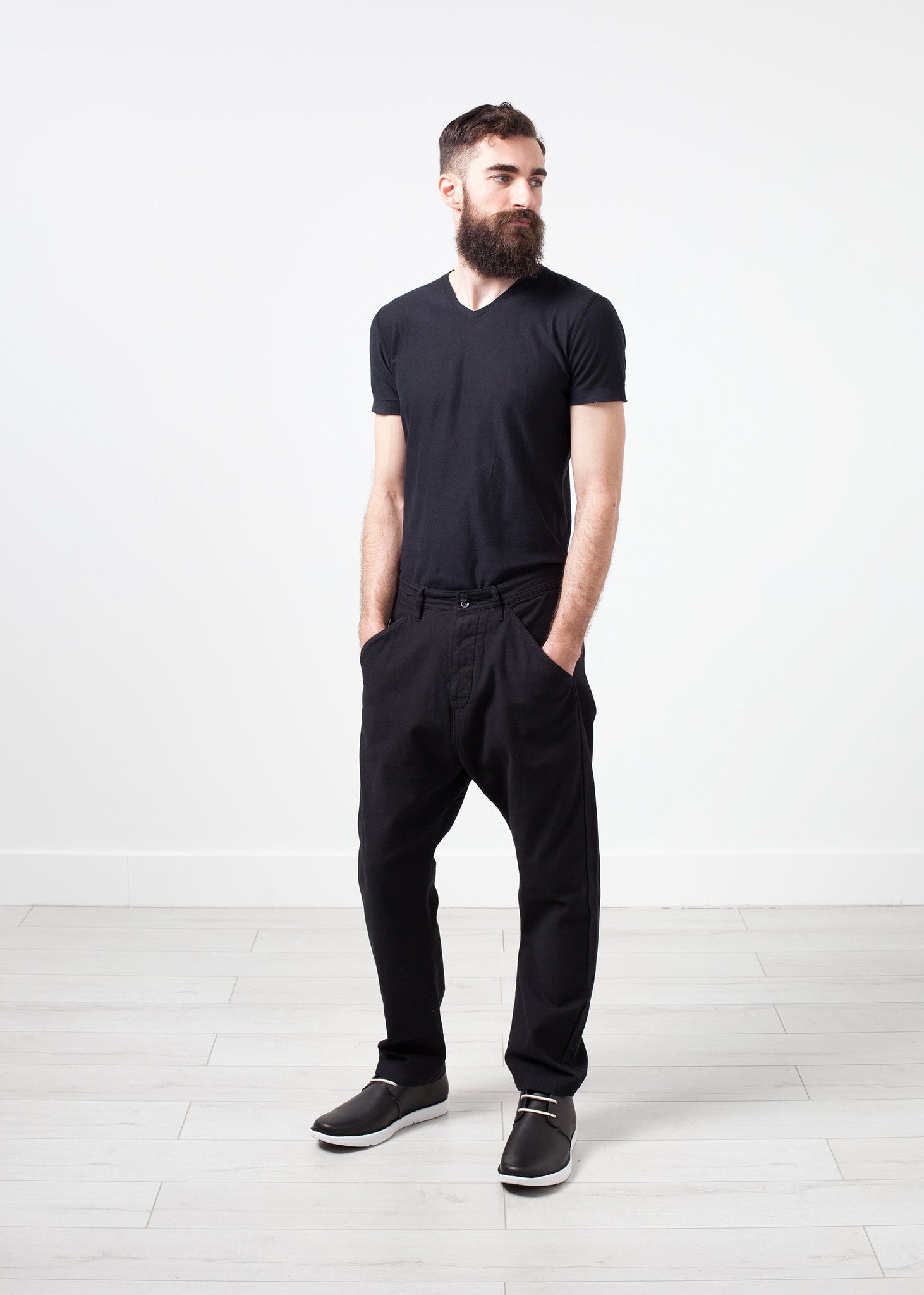
Gallery heading
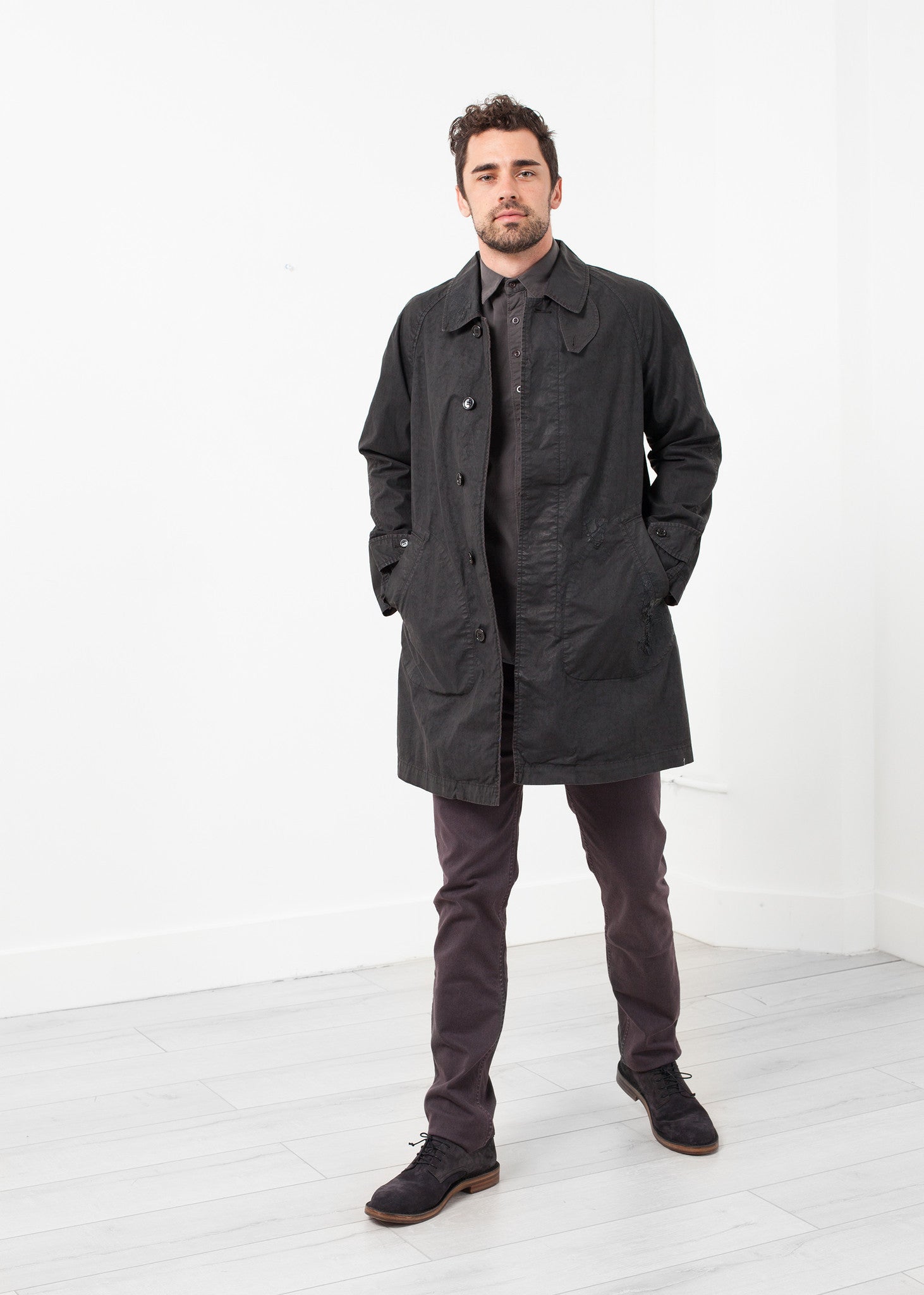
Gallery heading
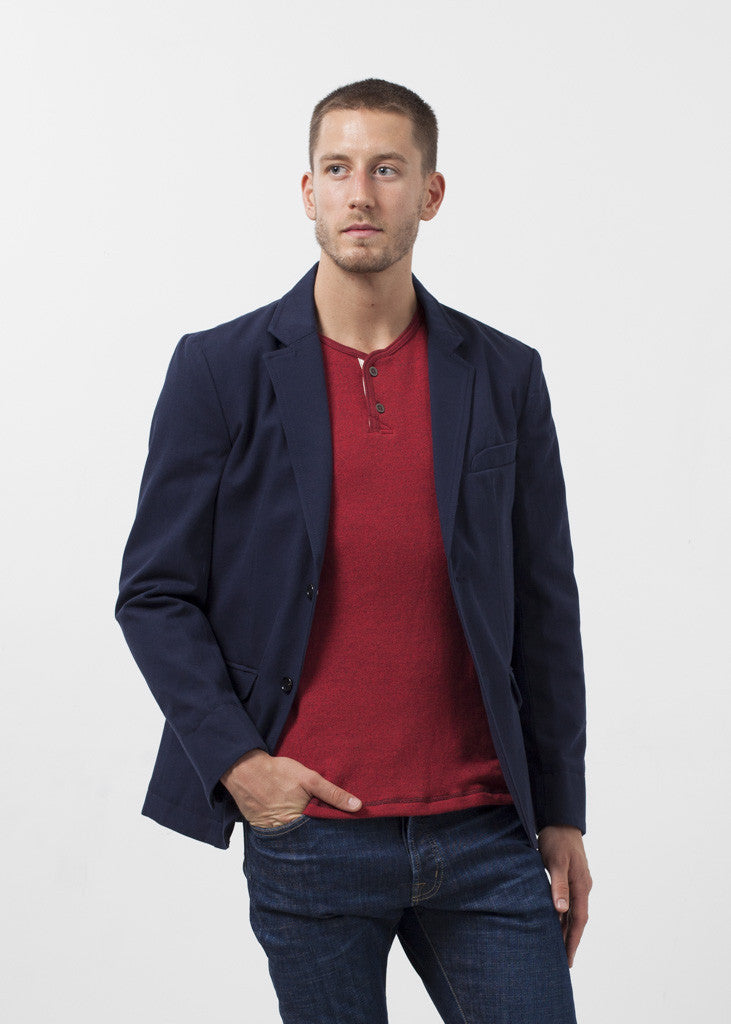
Gallery heading
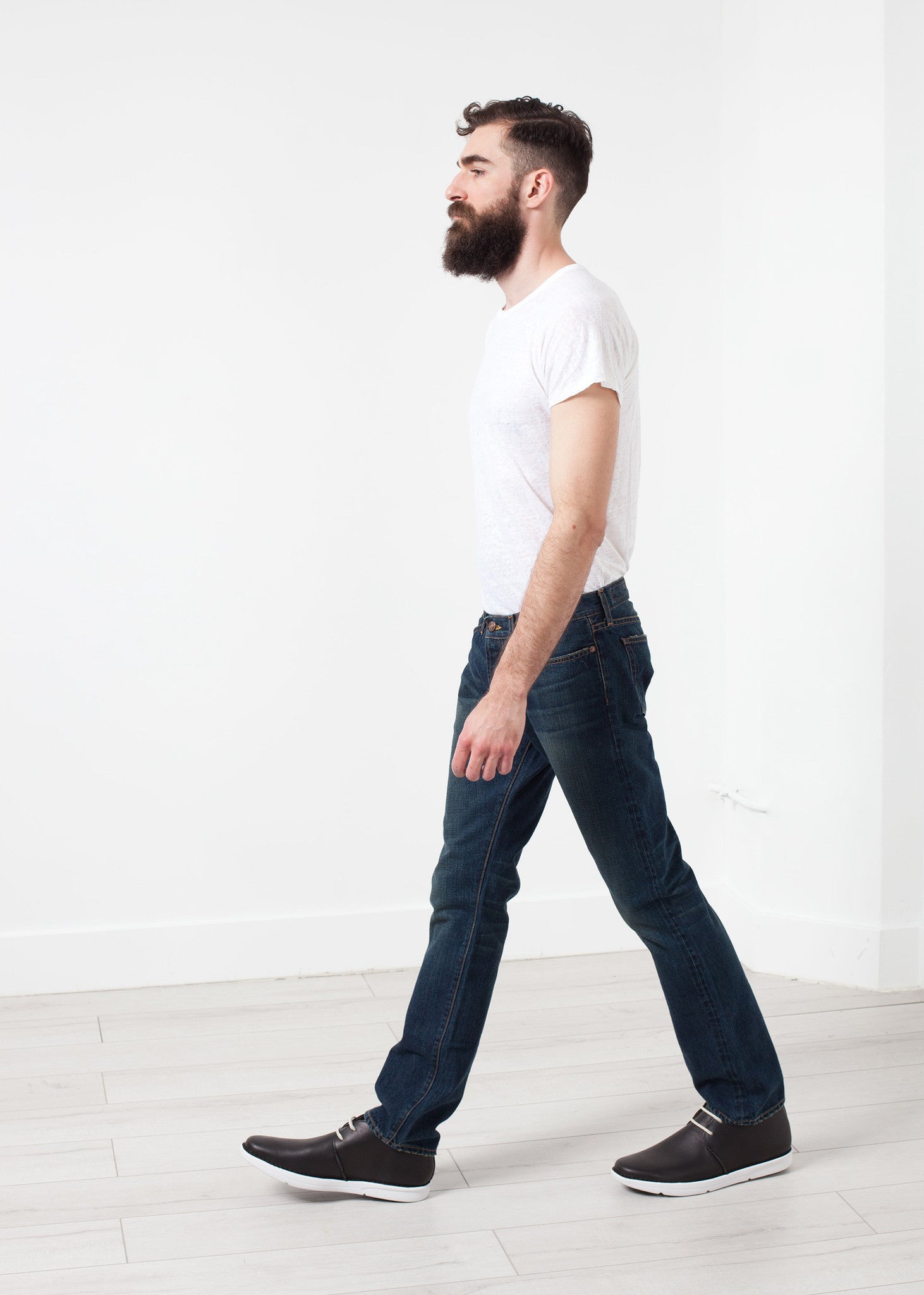
Gallery heading
Gallery heading
Gallery heading
Gallery heading
Gallery heading
Gallery heading
Gallery heading
Gallery heading

Gallery heading

Gallery heading

Gallery heading

Gallery heading

Gallery heading
Gallery heading
Gallery heading
Gallery heading
Gallery heading